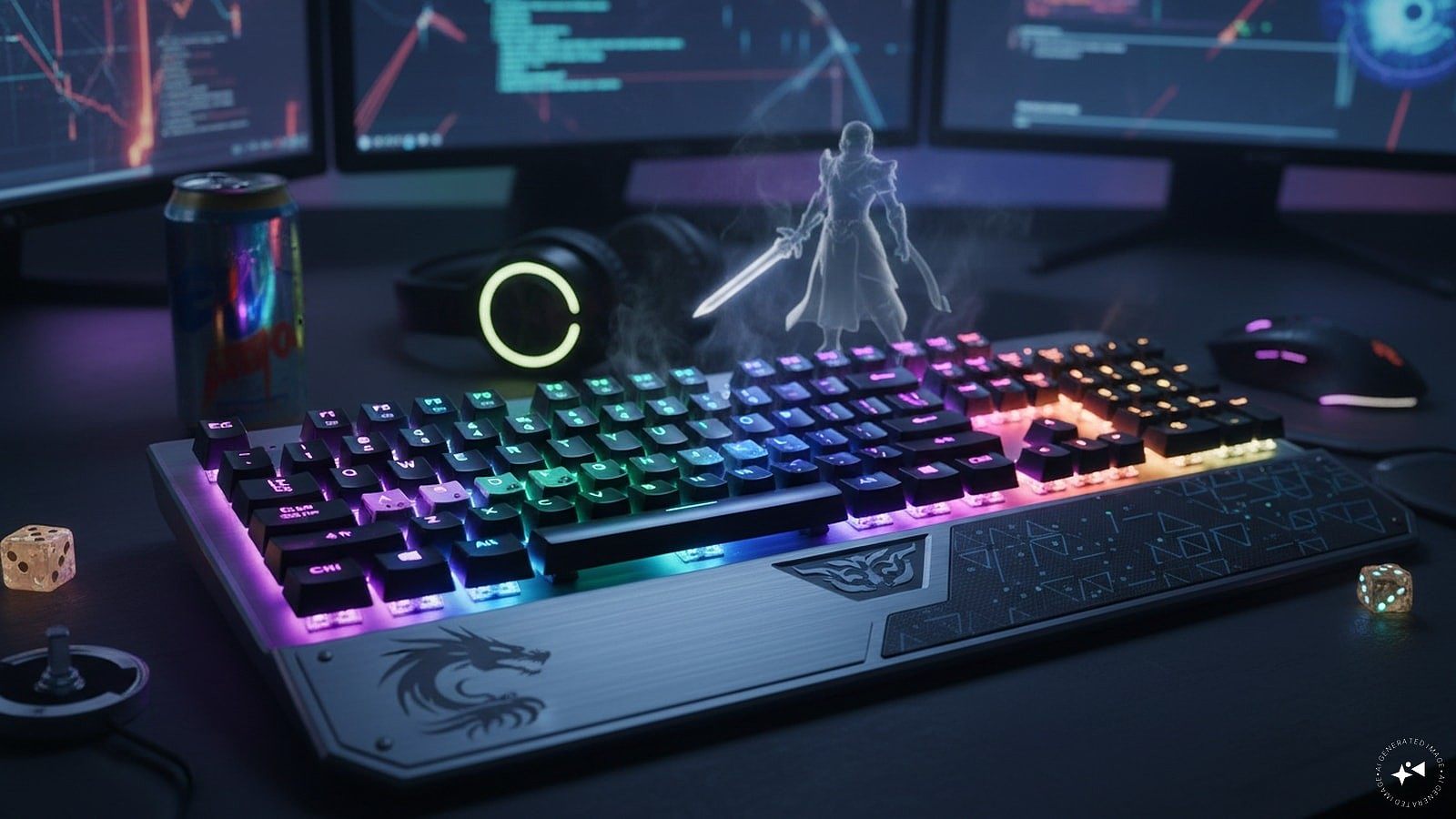
Upgrade Your Typing With These Mechanical Keyboards Under Rs. 3,500 From HP And Redgear
Mechanical keyboards can make typing and gaming more responsive, thanks to their distinct switches and tactile feedback. Unlike conventional membrane keyboards, they offer a more defined keystroke and are available in di
লেখক Consumer Trends Desk··22K বার পড়া
Upgrade Your Typing With These Mechanical Keyboards Under Rs. 3,500 From HP And Redgear
Mechanical keyboards can make typing and gaming more responsive, thanks to their distinct switches and tactile feedback. Unlike conventional membrane keyboards, they offer a more defined keystroke and are available in different layouts, switch types and lighting options to suit different preferences.
Whether you spend long hours typing, work from home, study or play games regularly, a good mechanical keyboard can make the experience more comfortable and engaging. With a budget of under Rs. 3,500, there are several options offering features such as RGB lighting, anti-ghosting, multimedia controls and compact layouts.
Here are five of the best mechanical keyboards under Rs. 3,500 for typing, gaming and everyday use.
Quick picks
Best overall: HP GK400Y Mechanical Gaming Keyboard
Best compact option: Zebronics Max Ninja 61 Mechanical Keyboard
Best for customisation: daWg Highkey 685 Mechanical Keyboard
Best for gaming: EvoFox Fireblade TKL Semi-Mechanical Gaming Keyboard
Best budget option: Redgear Shadow Amulet Mechanical Keyboard
1. HP GK400Y Mechanical Gaming Keyboard: Best overall
Price: Was – Rs. 3,999 | Now – Rs. 2,490 | Discount – 38%
Why it makes sense
The HP GK400Y is a full-size mechanical keyboard designed for users who want a combination of typing comfort, gaming features and RGB lighting. Its auto-sleep mode and backlit design make it suitable for both everyday work and gaming setups.
Pros
• Full-size mechanical keyboard
• RGB colour backlighting
• Light Sync backlit feature
• Auto-sleep mode
• Suitable for gaming and everyday typing
Cons
• Full-size design takes up more desk space
• Less compact than 60 percent and TKL keyboards
Best for
Users looking for a full-size mechanical keyboard for typing, gaming and everyday use.
2. Zebronics Max Ninja 61 Mechanical Keyboard: Best compact option
Price: Was – Rs. 2,599 | Now – Rs. 1,323.94 | Discount – 49%
Why it makes sense
The Zebronics Max Ninja 61 uses silent linear red switches in a compact 61-key layout, making it a practical choice for users who want to save desk space. Double-shot keycaps, anti-ghosting and multiple LED modes add useful features for both gaming and everyday typing.
Pros
• Silent linear red switches
• Compact 61-key layout
• Double-shot keycaps
• 17 LED modes
• Media controls
Cons
• Compact layout may take time to get used to
• Fewer keys than a full-size keyboard
Best for
Users who want a compact mechanical keyboard for gaming and everyday typing.
3. daWg Highkey 685 Mechanical Keyboard: Best for customisation
Price: Was – Rs. 8,999 | Now – Rs. 2,999 | Discount – 67%
Why it makes sense
The daWg Highkey 685 combines a 100 percent keyboard layout with fiery red switches, RGB lighting and three swappable panels. Its 1000Hz polling rate, double-shot PBT keys and braided cable make it a feature-rich option at its current price.
Pros
• 100 percent keyboard layout
• Fiery red switches
• Three swappable panels
• Double-shot PBT keys
• 1000Hz polling rate
Cons
• Wired design
• Larger footprint than compact keyboards
Best for
Users who want a feature-rich mechanical keyboard with customisation options.
4. EvoFox Fireblade TKL Semi-Mechanical Gaming Keyboard: Best for gaming
Price: Was – Rs. 1,299 | Now – Rs. 799 | Discount – 38%
Why it makes sense
The EvoFox Fireblade uses a TKL layout that leaves more desk space for a mouse while retaining dedicated function keys. Rainbow backlighting, 19 anti-ghosting keys, multimedia controls and a braided cable make it suited to gaming setups.
Pros
• TKL layout
• Rainbow backlighting
• 19 anti-ghosting keys
• 12 multimedia keys
• Braided cable
Cons
• Semi-mechanical rather than fully mechanical
• Limited to Windows platform according to the listing
Best for
Gamers looking for a TKL keyboard with gaming-focused features.
5. Redgear Shadow Amulet Mechanical Keyboard: Best budget option
Price: Was – Rs. 2,999 | Now – Rs. 1146 | Discount – 62%
Why it makes sense
The Redgear Shadow Amulet is an affordable mechanical keyboard featuring clicky blue switches, rainbow LED modes and floating keycaps. Windows key lock also makes it useful for gaming, while its low price makes it an accessible option for buyers on a tight budget.
Pros
• Clicky blue switches
• Rainbow LED modes
• Windows key lock
• Floating keycaps
• Low price
Cons
• Clicky switches can be louder
• Basic feature set compared with pricier models
Best for
Budget-conscious users who want a mechanical keyboard for gaming and everyday typing.
How we chose
We selected these mechanical keyboards based on their price, switch type, keyboard layout, gaming and typing features, and overall suitability for everyday use. Features such as RGB or LED lighting, anti-ghosting, polling rate, keycap construction, multimedia controls and customisation options were considered while comparing the models.
We also considered the different requirements of users, including those looking for a full-size keyboard, a compact layout, gaming features or a budget-friendly option.
Things to consider
Switch type: Mechanical keyboards are available with different switches that affect the feel and sound of every keystroke. Red switches are generally smoother and quieter, while blue switches offer a more pronounced click and tactile feedback.
Keyboard layout: Full-size keyboards include a dedicated number pad, while TKL and compact layouts save desk space by removing some keys. Choose a layout based on your workspace and typing requirements.
Anti-ghosting: This feature is particularly useful for gaming because it allows multiple keys to be registered simultaneously without missed inputs.
Backlighting: RGB and LED lighting can improve visibility in low-light conditions and add a gaming-focused look. Some keyboards also offer multiple lighting modes.
Wired connectivity: Most keyboards in this price range use a wired USB connection. Check the cable length and construction if the keyboard will be placed farther away from the PC or laptop.
Keycap quality: Double-shot or PBT keycaps can offer better durability and resistance to wear compared with basic keycaps, making them worth considering for heavy use.
FAQs
1. Are mechanical keyboards better for typing?
Mechanical keyboards can offer more tactile feedback and a more defined keystroke than membrane keyboards. However, the best option depends on personal preference, particularly the type of switch used.
2. Which mechanical keyboard switch is best for typing?
There is no single best switch for everyone. Red switches provide a smoother and quieter experience, while blue switches offer a clickier feel and more noticeable feedback.
3. Are mechanical keyboards good for gaming?
Yes. Mechanical keyboards can be well suited to gaming because their switches provide responsive key presses. Features such as anti-ghosting and high polling rates can also be useful for gaming.
4. Is a full-size or compact keyboard better?
A full-size keyboard is useful if you regularly use the number pad, while compact and TKL keyboards are better suited to smaller desks or users who want more mouse space.
5. Can these keyboards be used with laptops?
Most wired USB keyboards can be used with laptops that have a compatible USB port. However, users should check the keyboard’s connectivity and their laptop’s available ports before purchasing.
Disclaimer: The products featured in this article have been selected based on specifications, energy ratings, features and brand reputation. Prices, discounts and availability may change over time. Please verify the latest product details and offers before making a purchase. This article may contain affiliate links, through which we may earn a small commission at no extra cost to you.